
I remember the first time I thought I had “solved” SEO. It was 2012, and I had stuffed enough keywords into a 500-word blog post to make a dictionary feel insecure. I hit publish, waited for the traffic to flood in like a broken levee, and… nothing. Crickets. A digital tumbleweed blew across my analytics dashboard. It turns out, search engines aren’t just looking for words; they are looking for meaning, structure, and a certain kind of digital hospitality that most people completely ignore.
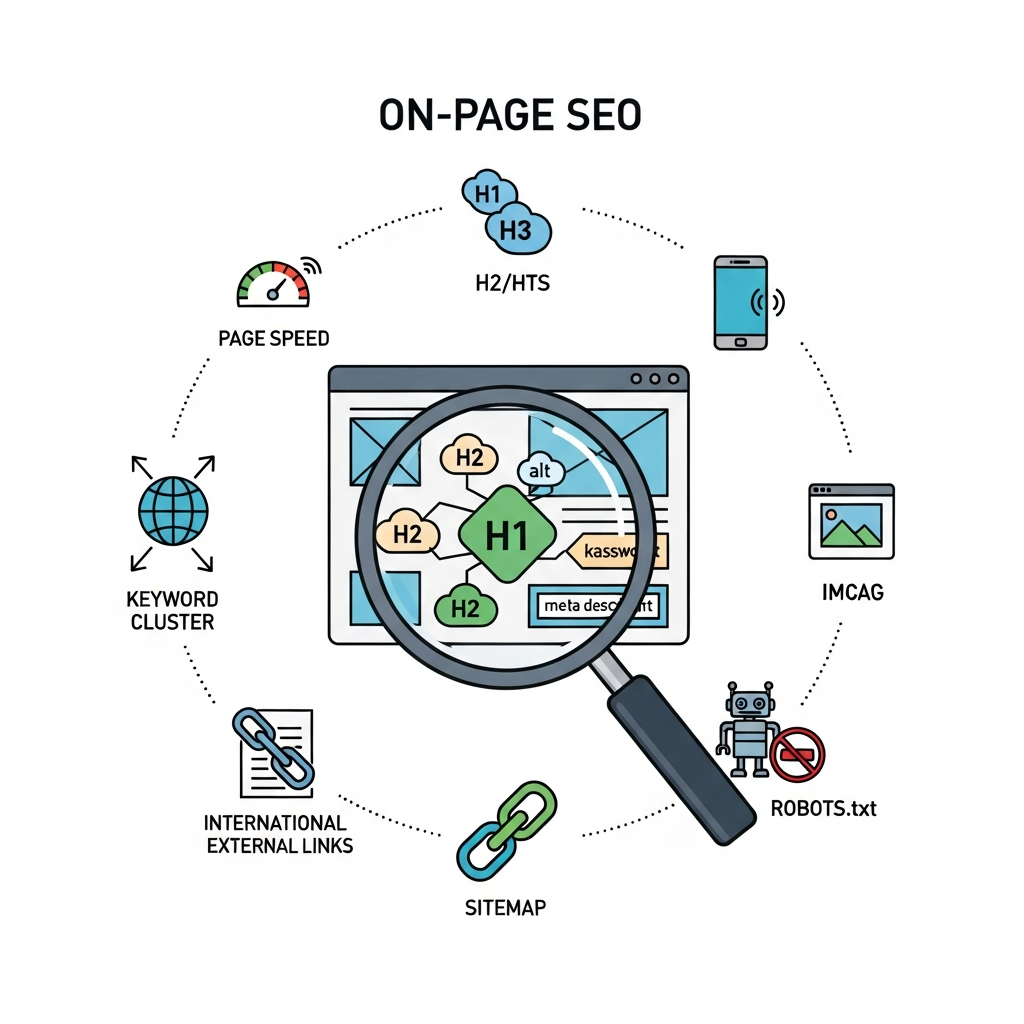
On-page SEO is the art of making your website readable for both a hyper-intelligent AI and a distracted human who is probably looking at your site while waiting for their coffee to brew. If you get it wrong, you’re invisible. If you get it right, you’re the answer to a prayer. This isn’t just about “optimizing”; it’s about claiming your territory in the most competitive real estate market on the planet: the first page of Google.
The Philosophy of Intent: Why Robots are Getting Feelings
Before we dive into the nuts and bolts of meta tags and alt text, we need to address the elephant in the server room: Search Intent. Google’s algorithms, particularly after the Helpful Content Update and various Core updates, have moved away from simple pattern matching. They are now obsessed with “Information Gain” and satisfying the specific psychological need of the searcher.
When someone types a query, they are in one of four states of mind. Are they looking for a specific site (Navigational)? Are they trying to learn how to fix a leaky faucet (Informational)? Are they comparing the best espresso machines (Commercial)? Or are they ready to pull out their credit card right now (Transactional)? If your on-page strategy doesn’t align with that specific mental state, your bounce rate will scream louder than a banshee, and your rankings will plummet. You cannot rank a product page for an informational query, no matter how many keywords you sprinkle on it like fairy dust.
The Technical Trinity: Titles, Metas, and URLs
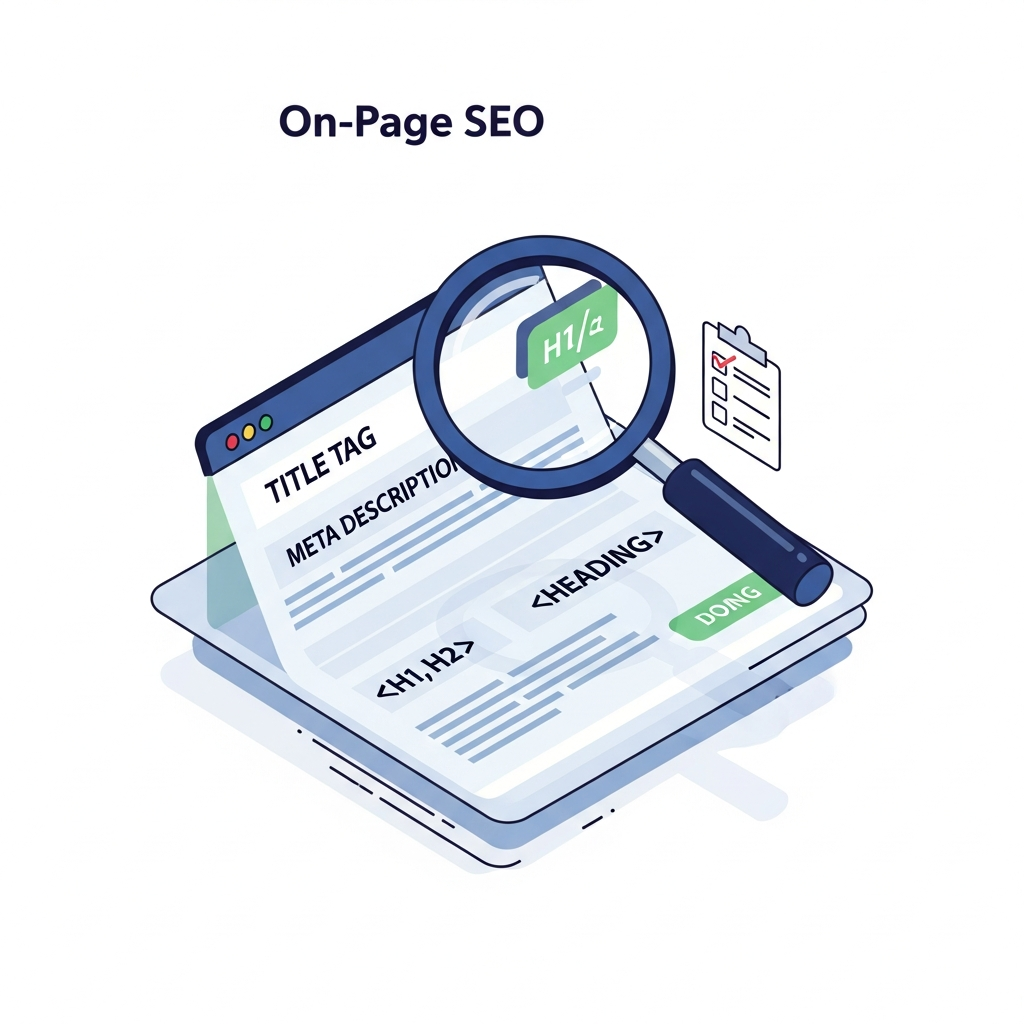
Let’s start with the low-hanging fruit that most people still manage to bruise. These three elements are the first thing a user sees in the SERPs (Search Engine Results Pages). They are your digital storefront.
1. The Title Tag: Your 60-Character Billboard
Your title tag is the single most important on-page element after your actual content. It needs to be a masterclass in brevity and persuasion. While the old rule was “keep it under 60 characters,” the real metric is pixels (usually around 580px). If you go over, Google will give you the dreaded “…” treatment, cutting off your punchline.
Don’t just list keywords. Write a headline that creates a “curiosity gap.” Instead of “Best Running Shoes 2024,” try “10 Best Running Shoes of 2024: We Tested 50+ Pairs for Comfort.” The latter promises a process and a result. It feels human. Also, place your primary keyword toward the front. It’s called “front-loading,” and it helps both bots and humans identify the topic instantly.
2. Meta Descriptions: The Ad Copy
Here is a secret: Meta descriptions do not directly affect rankings. Google doesn’t look at them to decide if you’re an authority. However, they drastically affect Click-Through Rate (CTR). If more people click your result than the guy above you, Google notices. You are effectively “voting” your way up the rankings through user behavior.
Write your meta description like a Facebook ad. Use a call to action (CTA). Use active verbs. Stop saying “This post is about…” and start saying “Discover the exact framework we used to…” Keep it around 150-155 characters to avoid truncation. And for heaven’s sake, don’t let a plugin auto-generate this from your first paragraph. That’s how you end up with a meta description that starts with “In today’s fast-paced world…”—the universal signal for “boring content ahead.”
3. URL Structure: Cleanliness is Next to Godliness
A URL should be a map, not a cipher. Compare these two:
example.com/p=12345-asdf-98/
example.com/mastering-on-page-seo/
The second one tells the user exactly where they are going. It’s descriptive, it’s evergreen (don’t put years in the URL if you can avoid it), and it’s easy to share. Keep your URLs short. Research suggests that shorter URLs tend to rank better. Use hyphens to separate words—never underscores. Google treats hyphens as spaces, but it sees underscores as a way to join two words together into one giant, confusing mess.
The Content Hierarchy: More Than Just Bold Text
Once the user clicks, you have about three seconds to prove you aren’t a waste of their time. This is where your heading structure (H1, H2, H3) and the actual meat of your content come into play.
The H1 Tag: The One and Only
Every page needs exactly one H1 tag. It’s the title of your book. It should be similar to your Title Tag but doesn’t have to be identical. Use it to reinforce the primary topic. If your H1 is “How to Bake Sourdough,” but your content is mostly about the history of flour, you’re going to have a high bounce rate. Alignment is everything.
Subheadings (H2s and H3s): The Skimmer’s Guide
Most people do not read online; they skim. They are looking for the “Answer Paragraph.” Your H2s and H3s should act as signposts. If a reader only reads your headings, they should still walk away with 60% of the value of the article. This is also where you should weave in LSI (Latent Semantic Indexing) keywords. These are terms related to your main topic. If you’re writing about “Apple,” and your subheadings mention “Orchard,” “Fruit,” and “Granny Smith,” Google knows you aren’t talking about the iPhone.
The Golden Rule of Keyword Density
Stop counting keywords. If you’re writing naturally about a topic, your keywords will appear. If you find yourself forcing a phrase like “affordable plumber in East London” five times into a single paragraph, you’re doing it wrong. This is called keyword stuffing, and it’s a one-way ticket to the basement of the search results. Aim for “Topic Coverage” instead. Answer the questions that naturally arise from your primary subject.
The best SEO writing doesn’t feel like SEO writing. it feels like a conversation with an expert who happens to be remarkably organized.
>Visual Optimization: The Invisible Speed Killer
Images are the heavy weights of the web. They make your site look beautiful, but they can also make it move like it’s stuck in molasses. Google’s Core Web Vitals—specifically Largest Contentful Paint (LCP)—depend heavily on how you handle visuals.
- Image Compression: Use tools like TinyPNG or plugins like ShortPixel. A 5MB image is a crime against user experience. Aim for under 100KB whenever possible.
- Alt Text: This is not a place to dump keywords. It is an accessibility feature for the visually impaired. Describe the image. If it’s a “golden retriever playing with a red ball,” that’s exactly what your alt text should say. If you can naturally include a keyword, great. If not, don’t sweat it.
- WebP Format: Stop using JPEGs and PNGs where possible. WebP offers superior compression and quality characteristics, and Google loves it.
- Lazy Loading: This ensures that images only load when they are about to enter the viewport. This saves bandwidth and speeds up the initial page load significantly.
>The Spider’s Web: Internal and External Linking
If your website was a city, links would be the roads. Without them, your best content is just an isolated cabin in the woods that no one can find.
Internal Linking: The Power of Context
Internal links pass “link juice” (authority) from your high-performing pages to your newer or weaker pages. But don’t just link “here” or “click this.” Use descriptive anchor text. If you’re linking to a post about keyword research, your anchor text should be “comprehensive keyword research guide.” This tells Google exactly what the destination page is about.
I like to use the “Hub and Spoke” model. You have one massive, authoritative “Pillar Page” (the Hub) that links out to several smaller, more specific articles (the Spokes). Those spokes all link back to the hub. This creates a tight topical cluster that signals to Google that you are an absolute authority on the subject.
External Linking: Don’t Be a Hoarder
Some people are afraid to link to other websites because they don’t want to “lose” the reader. This is a mistake. Linking to high-authority, relevant sources (like .gov, .edu, or major industry publications) actually increases your credibility. It shows Google that you are participating in the wider web ecosystem and that you’ve done your research. Just make sure those links open in a new tab so your site stays open in the background.
>User Experience (UX) and Core Web Vitals
We’ve reached the point where technical SEO and UX are essentially the same thing. Google’s algorithm now includes “Page Experience” signals. If your site jumps around while loading (Cumulative Layout Shift) or takes ten seconds to respond to a click (Interaction to Next Paint), you’re going to lose rank.
Mobile-First Indexing: This is no longer a suggestion; it’s the law. Google primarily uses the mobile version of your site for indexing and ranking. If your mobile site is a stripped-down, buggy version of your desktop site, you are in trouble. Check your “Mobile Usability” report in Google Search Console religiously.
Dwell Time and Pogo-sticking: While Google denies these are direct ranking factors, they are certainly “proxy” signals. If a user clicks your result and immediately hits the back button because your site looks like it was designed in 1998 or is covered in intrusive pop-ups, that tells the algorithm your page didn’t satisfy the query. Clean up your UI. Make your font readable (at least 16px). Get rid of the “Join our newsletter!” pop-up that appears before the user has even read the first sentence.
>The Magic of Schema Markup
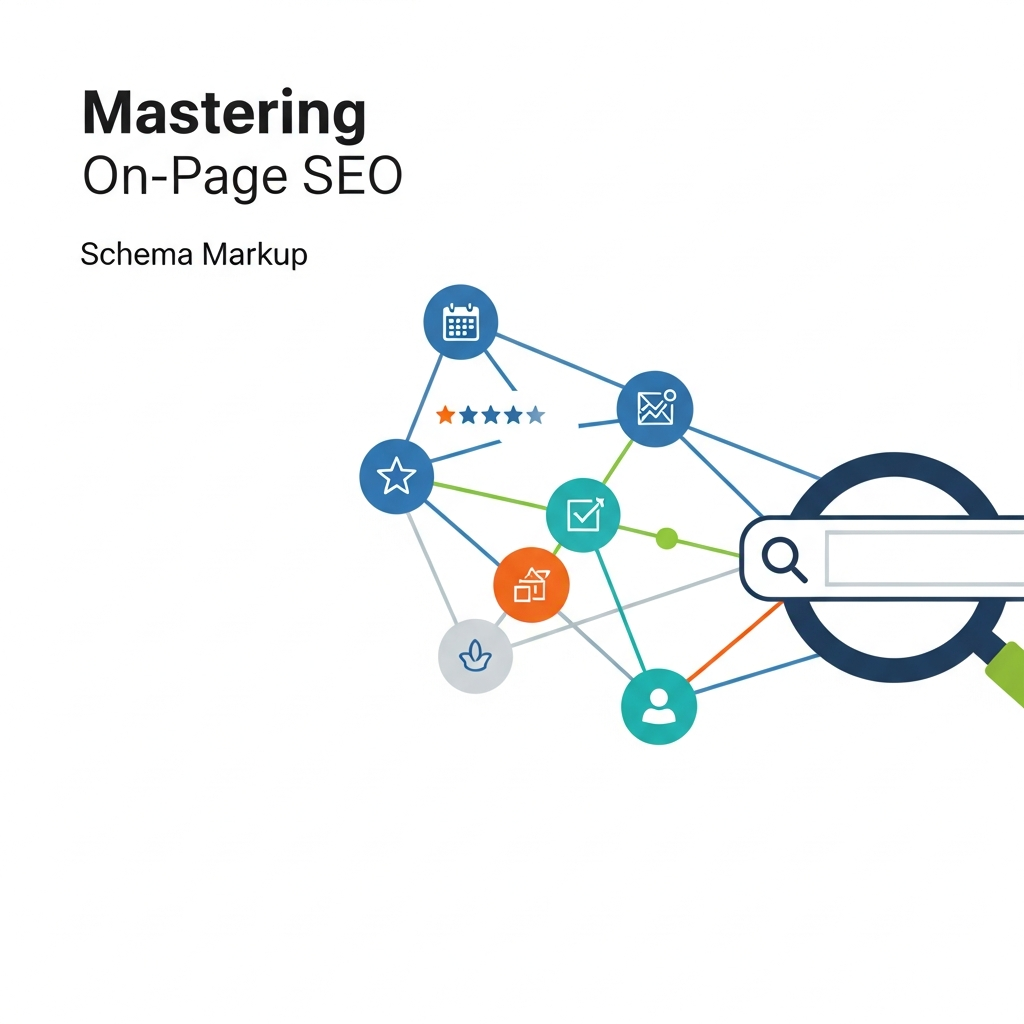
Schema markup (JSON-LD) is like giving Google a pair of glasses. It helps the search engine understand the context of your data. It turns a string of numbers into a “Review Rating” or a “Price.” It turns a list of names into “FAQ Questions.”
By implementing Schema, you become eligible for Rich Snippets. These are the fancy results that show star ratings, recipe times, or event dates. Rich snippets have a significantly higher CTR than standard results. If you’re on WordPress, plugins like RankMath or Yoast make this easy, but for the purists, writing the JSON-LD code manually and dropping it into the header is the way to go. It’s the closest thing to “legal cheating” in SEO.
>Advanced Strategy: The Concept of “Information Gain”
With the explosion of AI-generated content, the internet is becoming a sea of sameness. Google is fighting back by prioritizing “Information Gain.” This refers to the unique value a piece of content adds beyond what is already in the top 10 results.
If you are just rewriting the top three results in your own words, you are a commodity. To truly master on-page SEO, you need to add something new. This could be:
- Personal anecdotes or case studies.
- Original data or surveys you conducted.
- A contrarian take on a popular opinion.
- High-quality original photography or custom diagrams.
If your content provides a perspective that literally doesn’t exist elsewhere, Google will move mountains to make sure people see it. This is the “Extra Mile” that most SEOs are too lazy to run.
>The Common Pitfalls: Where Pros Trip Up
Even the best of us make mistakes. Here are the “silent killers” of on-page SEO that you need to audit for immediately:
1. Keyword Cannibalization
This happens when you have five different pages all trying to rank for “best SEO tips.” You are essentially competing against yourself, confusing Google as to which page is the authority. Consolidate those pages into one “Super-Post” or differentiate them with more specific long-tail keywords (e.g., “SEO tips for dentists” vs “SEO tips for e-commerce”).
2. Ignoring the “Fold”
The “fold” is the part of the screen visible without scrolling. If your top-of-page real estate is taken up by a massive hero image and three ads, and the actual content doesn’t start until the third scroll, you have a problem. Get to the point quickly. Answer the user’s main question in the first two paragraphs.
3. Broken Links and Redirect Loops
Nothing kills the “flow” of a bot or a human like a 404 error. Use a tool like Screaming Frog to crawl your site and find broken internal links. Fix them. It’s the digital equivalent of sweeping the floor.
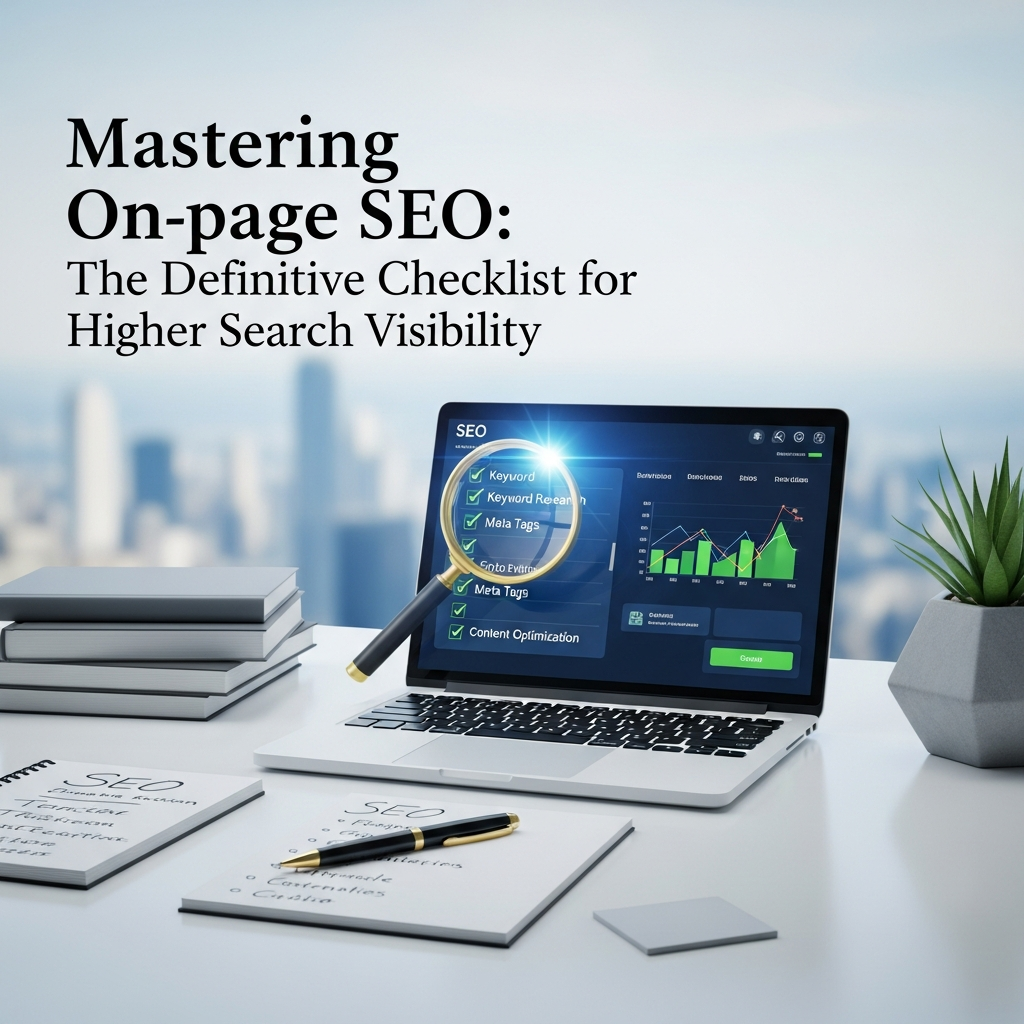
>The Definitive On-Page SEO Checklist (Summary)
To wrap this up, let’s distill this into a checklist you can use every time you hit “Publish.”
- Primary Keyword: Identified and used in the Title, H1, and first 100 words?
- Title Tag: Under 60 characters and compelling to click?
- Meta Description: Includes a CTA and accurately reflects the content?
- URL: Short, descriptive, and uses hyphens?
- H-Tags: Only one H1? Proper hierarchy (H2-H4) used for skimming?
- Media: All images compressed? Alt text added? WebP used?
- Links: At least 2-3 internal links to other relevant content? 1-2 outbound links to authority sites?
- Readability: Short paragraphs? Bullet points? 16px+ font size?
- Schema: Relevant JSON-LD markup implemented?
- Mobile: Checked on a physical device for any layout shifts?
Mastering on-page SEO is not a one-time event; it’s a lifestyle choice for your website. It requires a blend of technical precision, psychological insight, and a genuine desire to be helpful. The algorithms will change—they always do—but the desire for high-quality, well-structured, and fast-loading information is universal. Stop chasing the algorithm and start building for the human on the other side of the screen. When you do that, the rankings usually take care of themselves. Well, that and a really good meta description.